

Spreadsheets, whiteboards, dashboards, Google Meet calls and apps that open inside Claude: what each tool does, who can use it and where to start.
In November 2026, Anthropic added team work tools to Claude: Claude Sheets for spreadsheets, Claude Whiteboards for whiteboards, Claude Data for dashboards, and Claude Meetings, which joins your Google Meet calls. Your apps, such as Asana or Notion, can also open directly inside Claude. Here is what each tool does, who can use it, what is on by default and where to start.
What does Claude Sheets do?
You describe a tracker, a budget or a schedule, and Claude builds a working spreadsheet: tabs, formulas, formatting, dropdown lists. Your team then keeps building it with Claude, and every change is flagged.
Anthropic presents the tool as a simple spreadsheet, still in beta. For advanced use, it exports to .xlsx or CSV. Airtable, Asana, monday.com and Smartsheet are named as partners.
Example: "Build a tracker for customer requests with status, owner and due date."
What does Claude Whiteboards do?
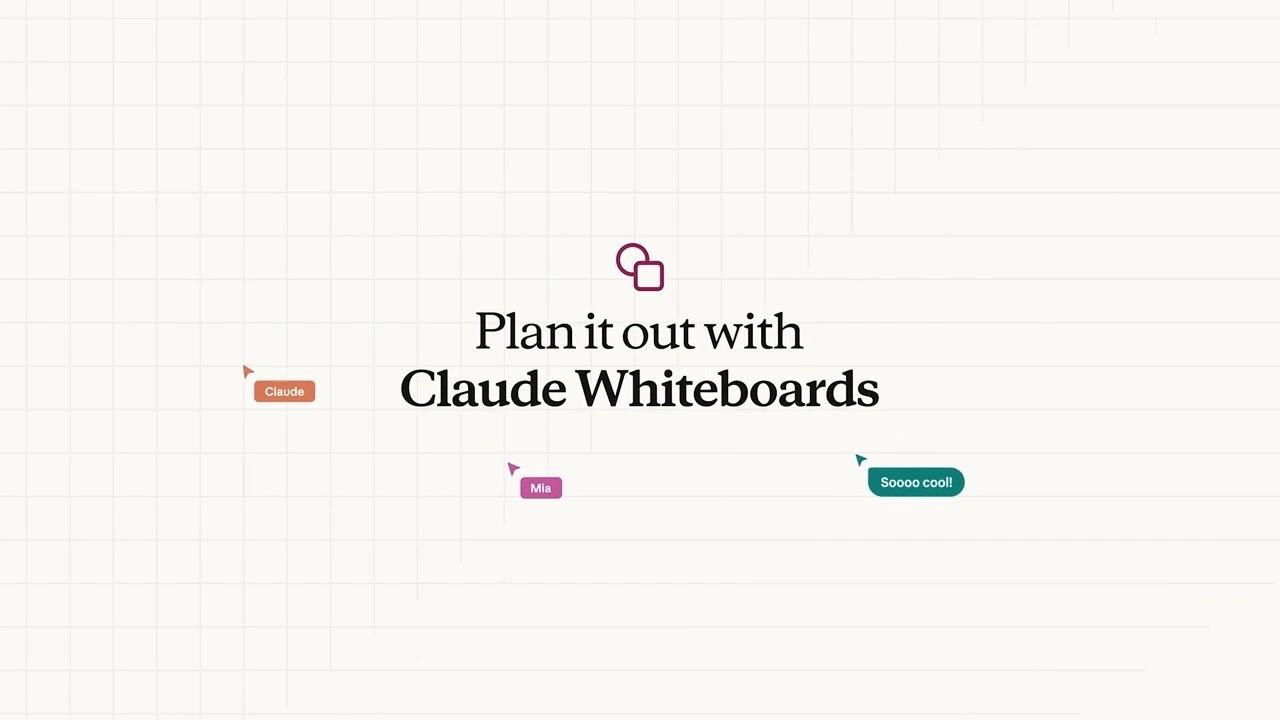
You talk through a rough plan, out loud or in writing, and Claude lays it out on a shared board, with deadlines and owners. It groups notes by theme, suggests actions for each person and answers questions about an area you select. The board exports to a document or a deck, or to Lucid, Miro and Vani by Zoho.
Example: plan a product launch on a board during a meeting, then turn it into a tracker in Sheets without explaining it all again, because the conversation's context carries over.
What does Claude Data do?
Claude Data is the new name for Claude Dashboards, covered in our article Claude Dashboards and Claude Motion. It is now generally available. Connected to a data warehouse or a CRM through a connector, it produces up-to-date dashboards, data stories and short narrated videos, to be reviewed before sharing.
Two new features are in beta:
- Certified queries: your data team approves metric definitions, and charts that use them carry a "certified" badge.
- Live sharing: your readers see the approved queries, without being able to run others with your access.
Each dashboard has its own refresh schedule and a version history.
What does Claude Meetings do during a call?
In beta since 12 November, Claude Meetings adds Claude to a call as a visible participant. It follows the conversation, answers questions (in writing in the chat, by default), drafts notes and action items, and produces documents or whiteboards while people talk. After the call, it keeps the transcript, the summary and screen descriptions, but not the audio.
The limits to know:
- Google Meet only for now. Other platforms are announced without a date: no Microsoft Teams or Zoom today.
- Team and Enterprise plans only.
- External guests: on Team, Claude can join these calls by default, and an admin can prevent it. On Enterprise, Claude leaves the call if an external guest arrives, unless an admin allows it.
- Consent: check that every participant agrees to transcription before adding Claude or turning on automatic joining.
During the beta, notes, transcripts and answers are free. An answer that uses a connected tool does count toward plan usage. Documents and whiteboards created in a meeting are free until 10 February 2027. Pricing after that has not been announced.
How do your apps open inside Claude?
Since 10 November, a compatible connector can open the app itself beside the conversation, or full screen. You work in it directly, or you ask Claude to change the page, row or file you have open. Claude asks for your approval as it does for any connector action, and it respects your permissions in the tool. Anthropic names Adobe, Asana, Atlassian, Box, Canva, Dropbox, monday.com and Notion among others. Figma and Shopify are in development. You can pin your favourite tools in the sidebar.
On the admin side, each connector can be restricted tool by tool, for example reading Slack without being able to post messages. Claude auto-connect, in beta on Team and Enterprise, lets an admin set up an app once: each employee is connected the first time they use it.
For developers, these connectors are built on MCP Apps, an open extension to the Model Context Protocol. An app built this way also works in other assistants that support the extension.
Who can use them, and what is on by default?
- Claude Sheets: beta, paid plans. On by default on Team, not on Enterprise.
- Claude Whiteboards: beta, paid plans. On by default on Team, not on Enterprise.
- Claude Data: available, paid plans. On by default on Team and Enterprise.
- Claude Meetings: beta, Team and Enterprise. On by default on Team, not on Enterprise.
- Apps inside Claude: available, all plans. Availability depends on allowed connectors.
Sheets, Whiteboards and Data are managed in Organization settings > Artifacts, at any time. Claude Meetings is not available to organizations with zero data retention (ZDR), HIPAA-ready configurations or customer-managed encryption keys (CMEK).
Where should you start?
- A tracker kept by hand in a spreadsheet: ask Claude Sheets for it.
- A scoping workshop: open a Claude Whiteboards board during the session, then draw the action plan from it.
- A monthly report: build it in Claude Data from metrics certified by your data team.
- If you work on Google Meet: try Claude Meetings on an internal meeting, with no external guests, before opening it more widely.
Three of these five tools are in beta. It is better to try them on a real, reversible use case than to roll them out everywhere at once.
Need help configuring or rolling it out? Let's talk.