

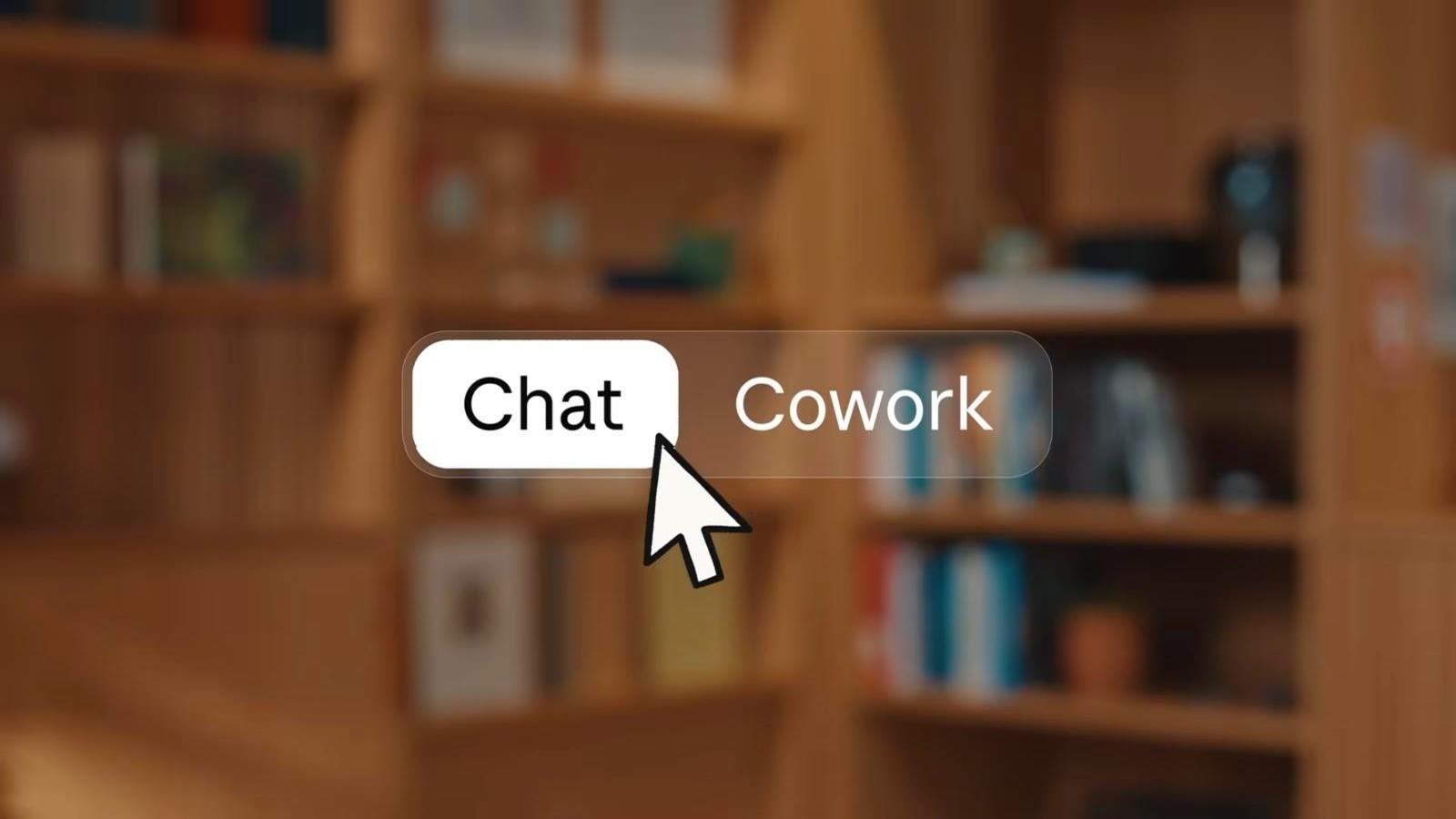
Chat and Cowork unified turns on by default for Team on 1 December 2026, after Enterprise on 16 November. Dates, exclusions and settings to check before the switch.
On the Team and Enterprise plans, Claude no longer has two separate modes. With the Chat and Cowork unified setting, every conversation starts as a chat and moves on its own into a cloud environment as soon as a task needs code or files. On by default for Enterprise since 16 November, it turns on for Team on 1 December 2026. Here are the dates, the exclusions and the settings to check before the switch.
What changes for your users?
The button that made people choose between chat and Cowork disappears. Users type their request. If it requires running code, or creating or editing files, Claude carries on the same conversation in a cloud virtual machine managed by Anthropic.
- One virtual machine per conversation. It stops after a few minutes of inactivity, its disk is kept as an encrypted snapshot, and the environment expires 30 days after it was created.
- A task started on the web can be picked up in the desktop app or on mobile.
- Access to the local computer stays optional. It goes through Claude Desktop, subject to your access and device policies.
- Nothing needs rebuilding. Scheduled tasks and session history keep working.
For individual plans, the move of tasks to the cloud is covered in our article Cowork moves to the cloud.
When does the switch happen?
- 16 November 2026, Enterprise: on by default, unless an admin chose otherwise.
- 1 December 2026, Team: on by default, unless "Keep disabled" is selected.
- 8 December 2026, Enterprise: extended to custom roles with Chat and code execution.
- 1 February 2027, Team: the separate experience is retired.
Three details. A choice already made, on or off, is kept. Nothing turns on while "Cloud code execution and file creation" is off: the switch happens as soon as it is turned back on. Finally, the old experience will get no new features other than new models.
Which organizations are not affected?
Organizations with zero data retention (ZDR) stay on separate chat and Cowork and cannot turn the setting on. On Enterprise, the same applies to HIPAA-ready configurations and to organizations that manage their own encryption keys (CMEK). Anthropic plans HIPAA support after general availability, and CMEK support in a later release. If CMEK is turned on afterwards, the unified experience becomes unavailable.
How do you turn on the unified experience?
You need an Owner or Primary Owner account. The setting sits in Organization settings > Capabilities, and it requires "Cloud code execution and file creation" to be on.
On Enterprise, the path depends on your current setup:
- Chat only: turn on Chat and Cowork unified directly.
- Cowork only: turn on Chat first, then the setting.
- Chat and Cowork: check code execution, then turn on the setting.
Access can also be managed by role, in Organization settings > Roles > Capabilities. Built-in roles cannot be excluded. SCIM provisioning lets you open access in waves.
One point to watch: if you turn Cowork off for a role, its local tasks become read-only and scheduled tasks on the computer stop. Have members export the tasks they want to keep first, with the /export command.
Which settings should you check before the switch?
The unified experience gives every conversation an execution environment. Before opening access, review:
- Outbound network access (Allow network egress): none, package managers only, a domain list or all domains. It is off by default on Enterprise.
- Connector policies: tools that are blocked or need approval. Anthropic enforces them on every call, outside the cloud environment.
- Approvals: the "Always allow", "Skip all approvals" and "Automatically approve" options decide how far Claude acts without asking.
- Sharing: a conversation that used its cloud environment can only be shared if both "Share chats" and "Share cloud sessions" are on.
- Computer access and computer use: the latter is off by default and rolling out gradually.
- Scheduled tasks, trusted devices and MDM rules on machines running Claude Desktop.
On budget, a task with code or files uses more than a simple exchange. Check the spend cap and usage credits before the switch.
Why will your usage figures seem to drop?
Usage by members who have the unified experience is reported on a new line, "Chat and Cowork unified", instead of under Chat or Cowork. Counting and billing do not change. To follow total usage, add up all three lines. To count people, use total active users, not the sum of products. Claude Code and Claude in Chrome keep their own lines. In the Cost and Usage API, a new product value appears: chat_cowork_unified.
How do you roll it out without surprises?
Anthropic recommends five steps:
- Share the documentation with IT, security and procurement.
- Run the security review.
- Start with a pilot group, through a dedicated role.
- Check network access, connectors, sharing and computer access.
- Track usage and feedback for two to four weeks, then widen access in waves.
On Team, the decision comes down to one question: let the switch happen on 1 December, or select "Keep disabled" to buy time until 1 February 2027. Either way, the settings above deserve a review before your teams discover the new interface.
Need help configuring or rolling it out? Let's talk.